
How to Use Applications
1. SDL
iOS
1. Connect your smartphone to the Car Audio by using original USB cable and Bluetooth.
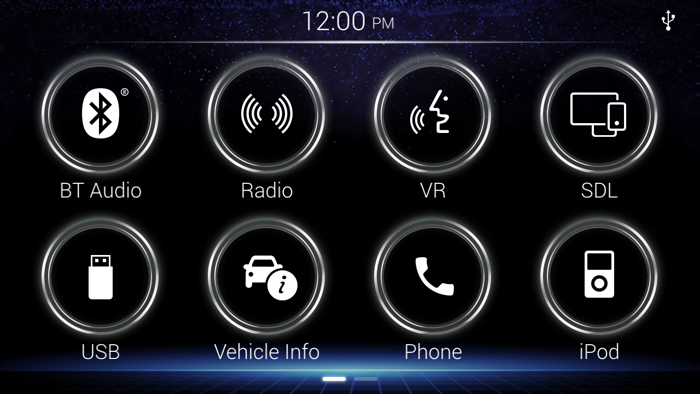
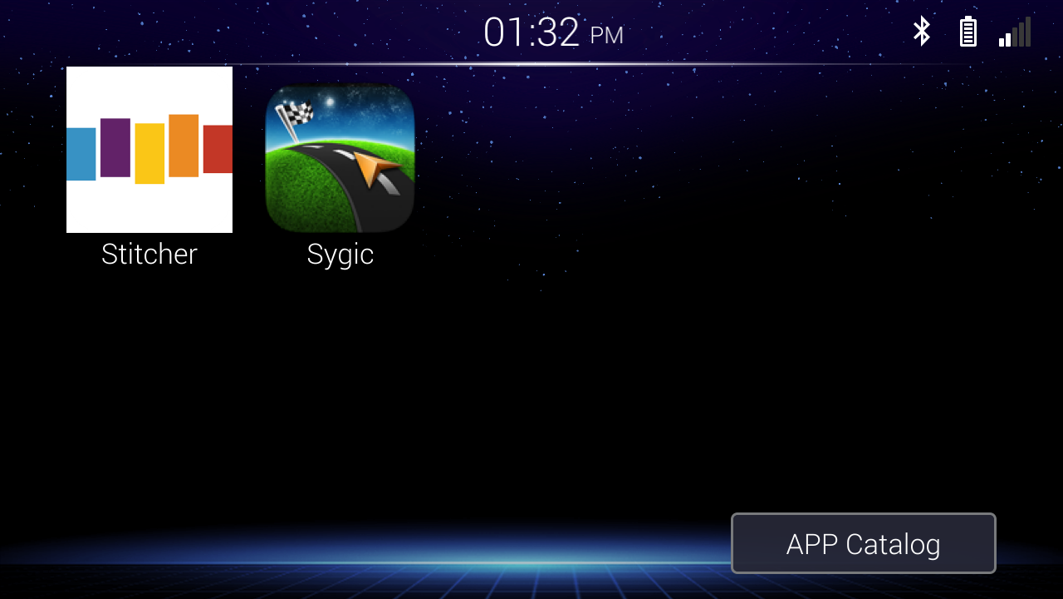
2. Touch SDL icon on your Car Audio.
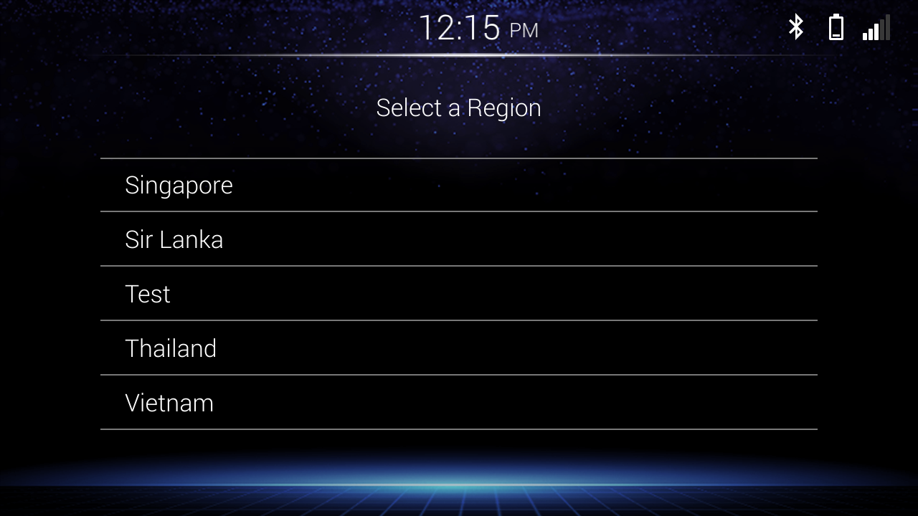
3. SDL need to set regoin only first time.
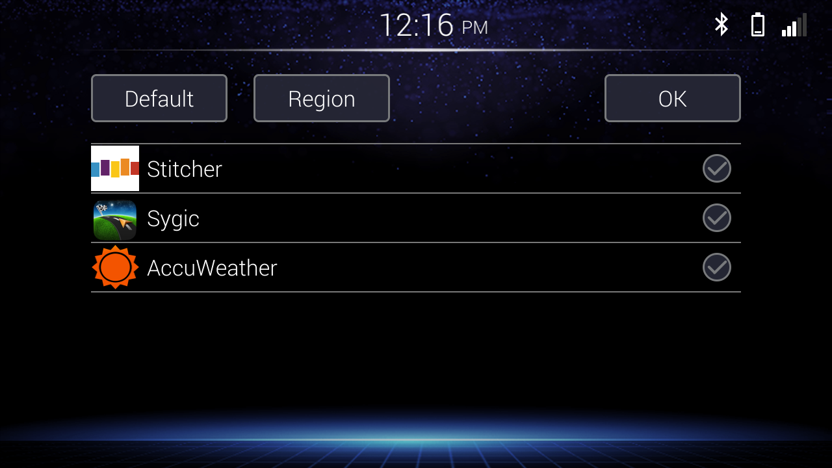
4. Selcect Application from the App Catalog.
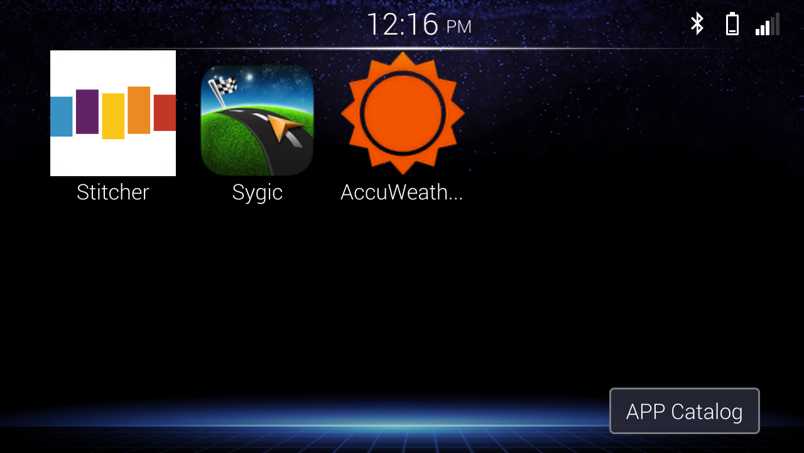
5. SDL screen will show on Car Audio.
Android
1. Connect your smartphone to the Car Audio by using original USB cable and Bluetooth.
2. Touch SDL icon SDL on your Car Audio.
3. SDL need to set regoin only first time.
4. Selcect Application from the App Catalog./p>
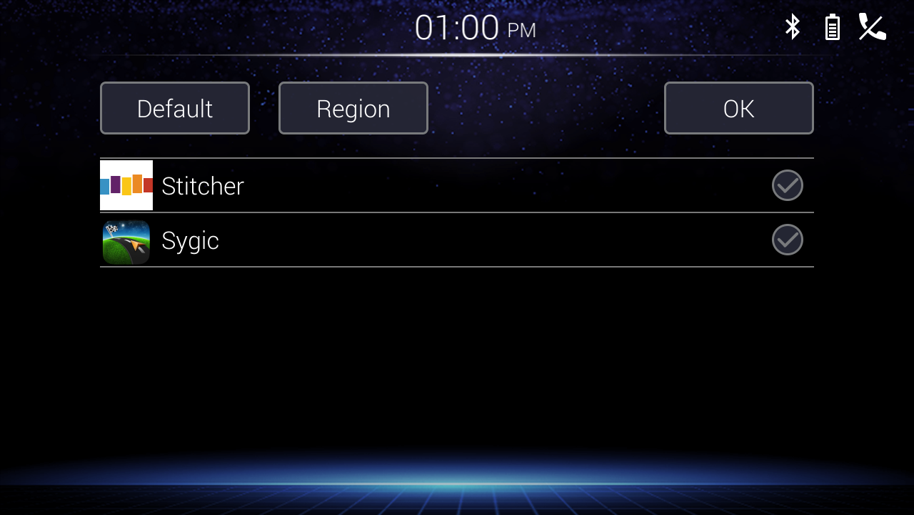
5. SDL screen will show on Car Audio.
2. Apple CarPlay
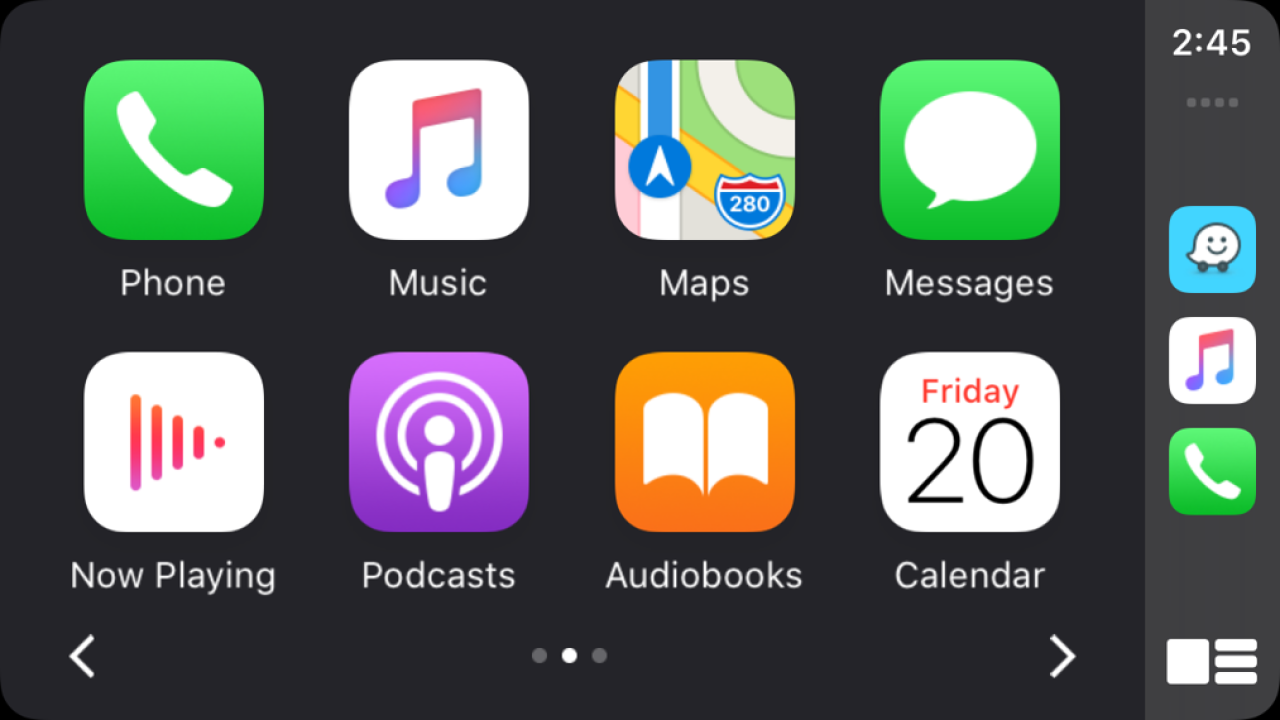
1. Connect your smartphone to the Car Audio by using original USB cable.
2. CarPlay will show on Car Audio.
3. Android Auto™
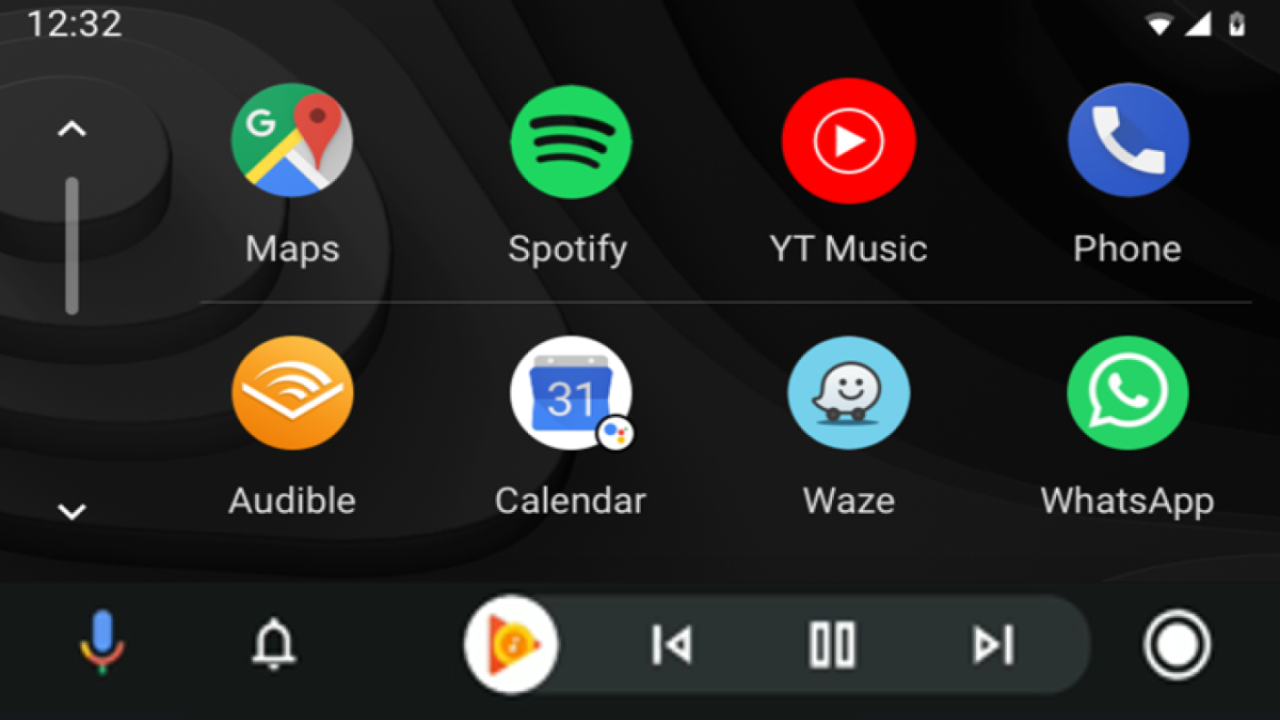
1. Connect your smartphone to the Car Audio by using original USB cable.
2. Android Auto will show on Car Audio
4. Bluetooth Remote Application
Check below website to see How to use Bluetooth Remote Application: Link