
Application Linking
1. SDL
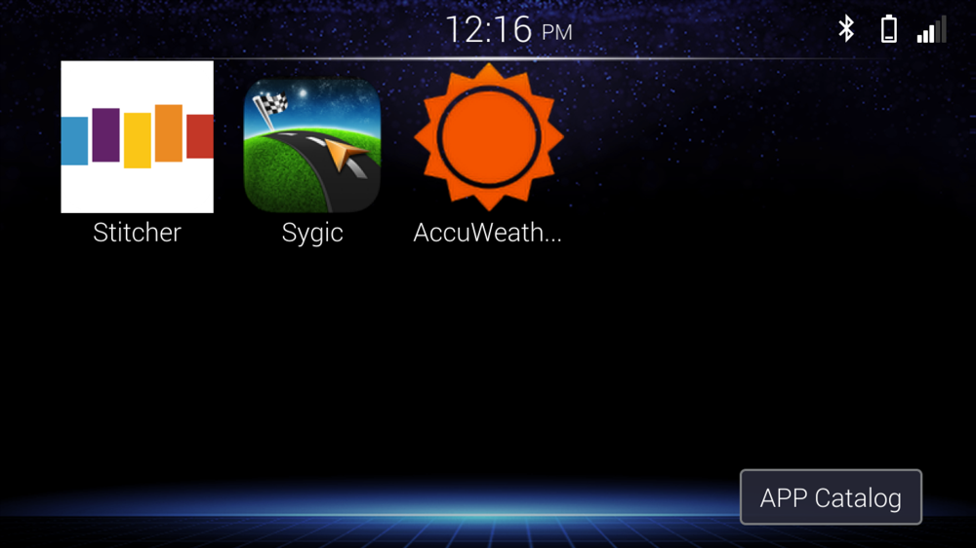
When you connect the smartphone to the Car Audio via USB, SDL will display
2. Apple CarPlay
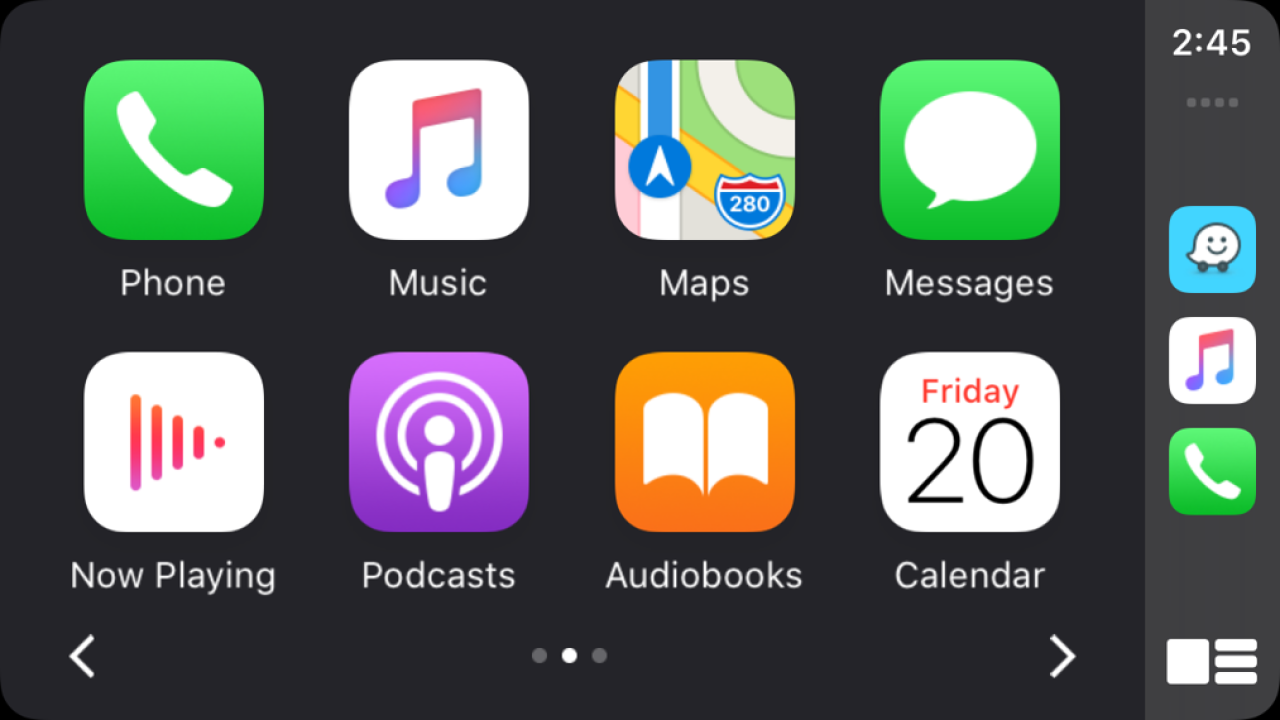
When you connect an iPhone to the Car Audio via USB, Apple CarPlay is automatically initiated. You can use the audio/information screen, instead of the iPhone display, to make a phone call, Music, Maps, Siri and access Messages while driving.
Check below website to see How to use Apple CarPlay: https://www.apple.com/ios/carplay/
3. Android Auto™
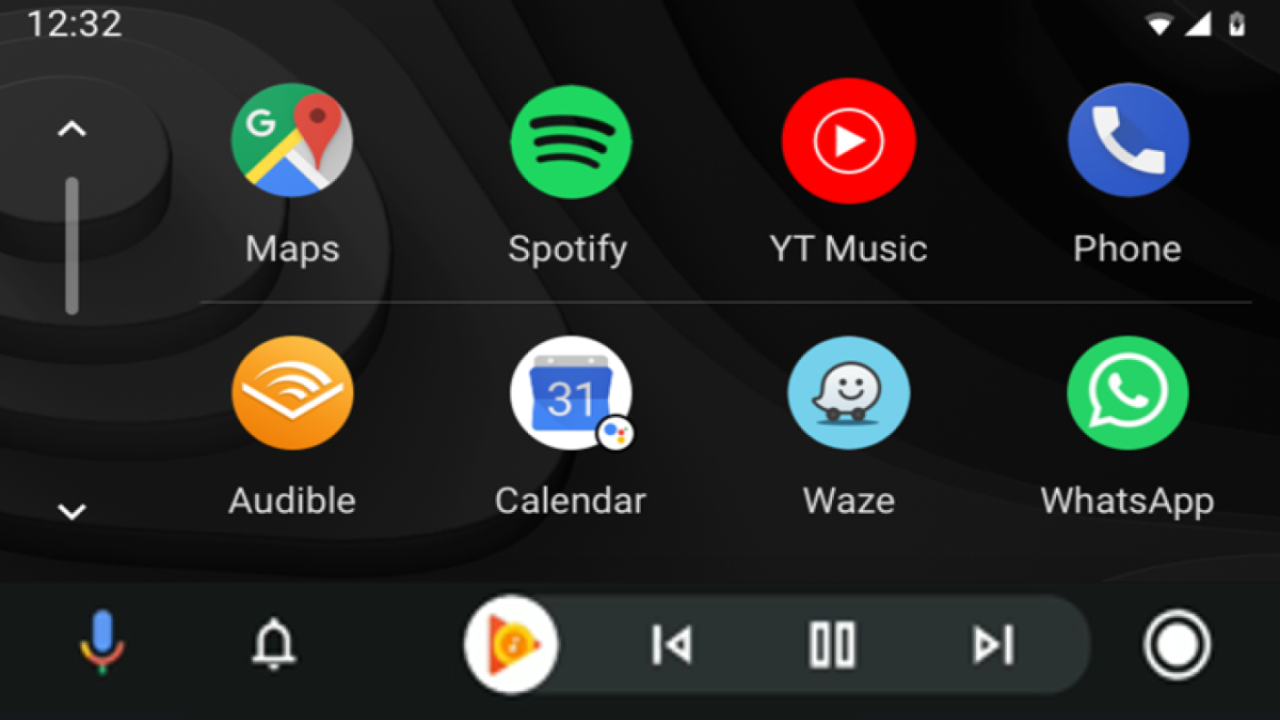
When you connect an Android phone to the Car Audio via USB, Android Auto is automatically initiated. You can use the audio/information screen to access the Android phone, to make a phone call, Google Maps, Music, Google Assistant and access Messages while driving.
Check below website to see How to use Android Auto: https://www.android.com/auto/
4. Bluetooth Remote Application
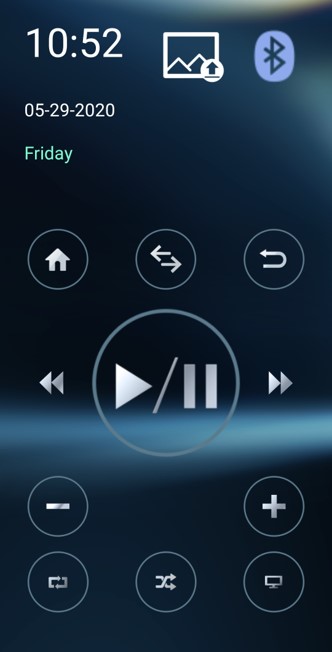
Application for control Car Audio by smartphone when pairing Bluetooth with Car Audio.
iAuto Remote Control can be downloaded on App Store and on Play Store
- BluetoothⓇ connection is disabled during Apple CarPlay or Android Auto™ is active.
- Do not connect a smartphone or operate the device controls while driving.
- Do not leave the smartphone in the car. In particular, high temperatures inside the vehicle may damage the smartphone.
- Do not push down on or apply unnecessary pressure to the smartphone while it is connected as this may damage the smartphone or its terminal.
- Do not insert foreign objects into the smartphone as this may damage the smartphone or its terminal.
Limitation of Specification
-
Interruption between Apple CarPlay/Android Auto™ and BluetoothⓇ.